


Social Buzz
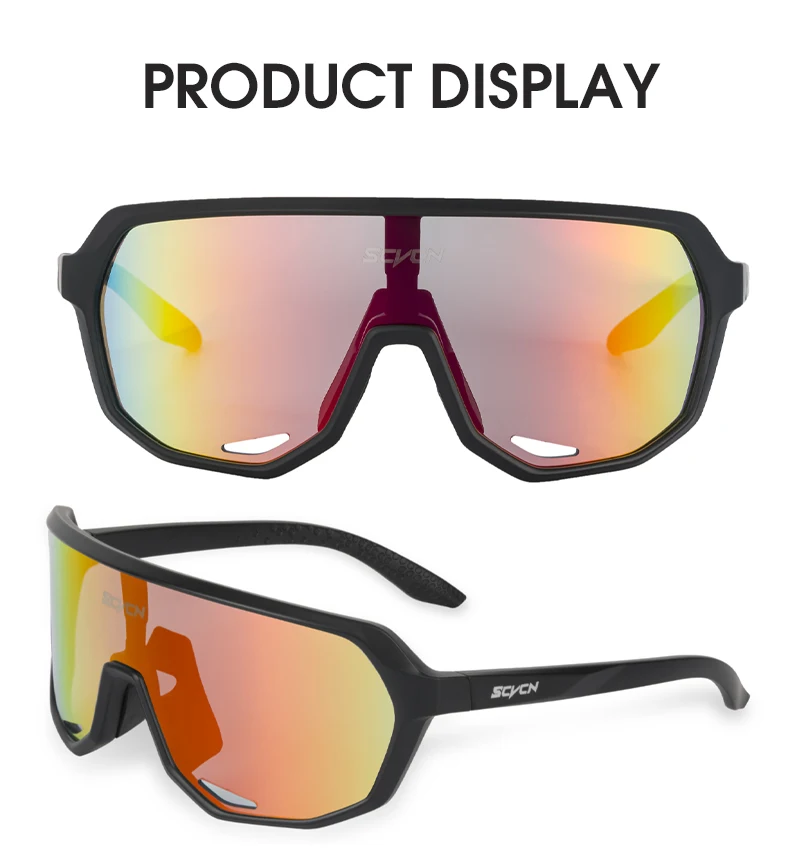
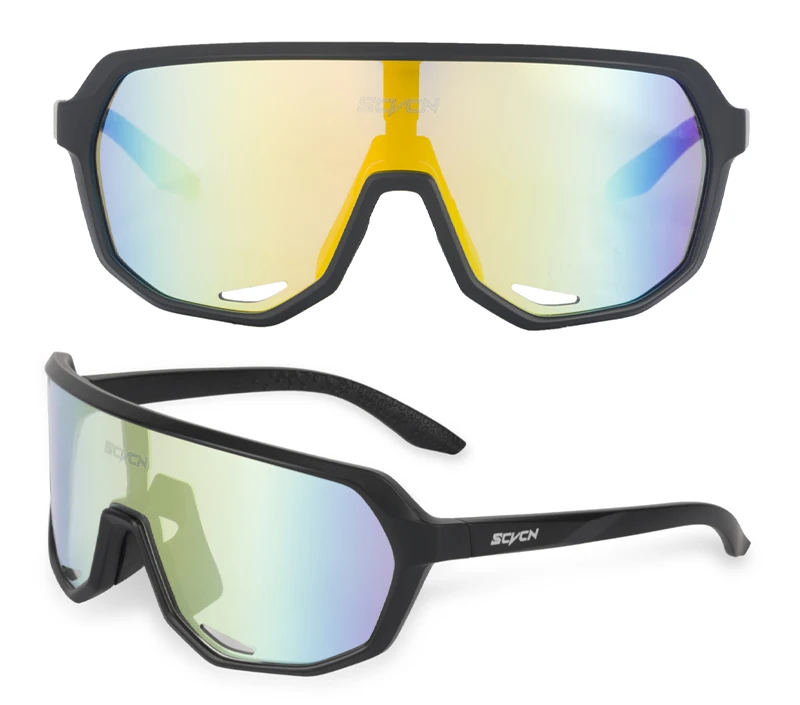
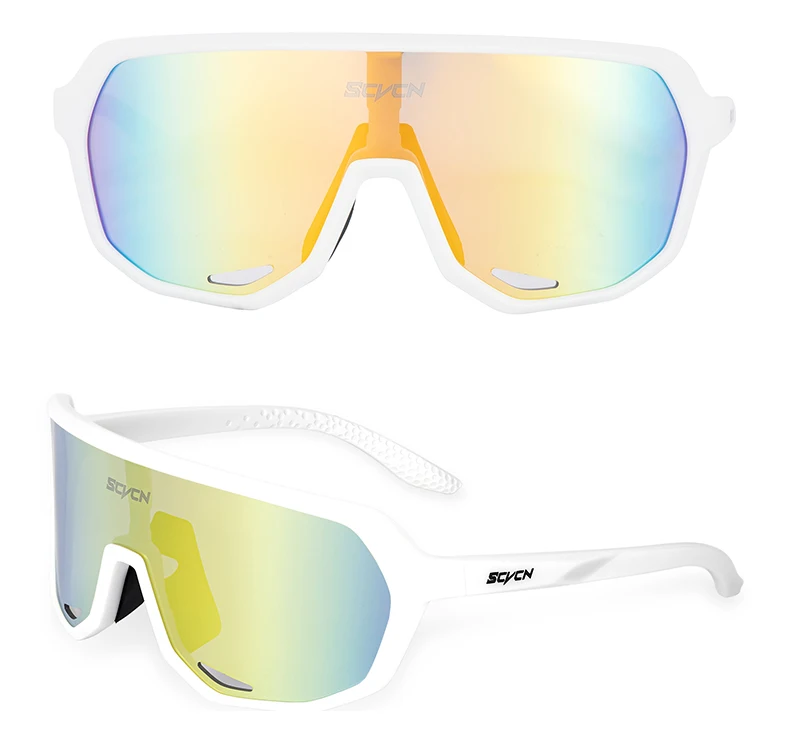
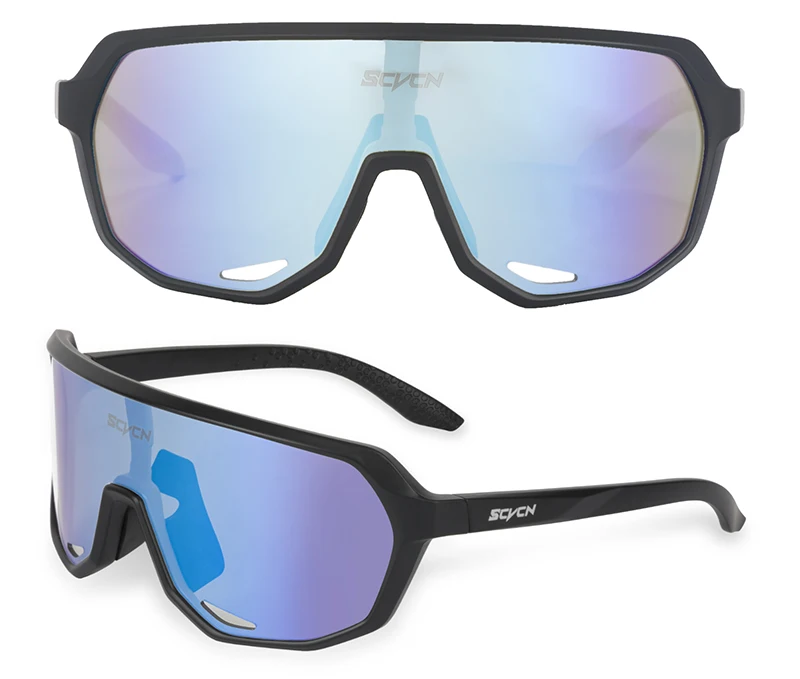
SCVCN Men Cycling Glasses Photochromic Sunglasses for Mountain Bike Road Bicycle Eyewear Pock Cycle Goggles UV400 Polarized MTB
SCVCN Men Cycling Glasses Photochromic Sunglasses for Mountain Bike Road Bicycle Eyewear Pock Cycle Goggles UV400 Polarized MTB
Couldn't load pickup availability
SPECIFICATIONS
Brand Name: SCVCN
Certification: CE
Choice: yes
Frame Color: MULTI
Frame Material: TR-90
Gender: Unisex
High-concerned chemical: none
Item Type: EYEWEAR
Lenses Material: Polycarbonate
Lenses Optical Attribute: UV400+Polarized+Photochromic
Model Number: cycling glasses
Origin: Mainland China
Sport Type: cycling
Suitable for: Running, Riding, mountain driving
name 1: Cycling Eyewear
name 2: gafas ciclismo
name 3: cycling sunglasses
name 4: gafas ciclismo hombre
semi_Choice: yes






Get Connected in 4 Simple Steps
Check Compatibility
Verify your phone supports eSIM and is carrier-unlocked
Choose Your Plan
Select your destination and data package
Instant Delivery
Receive your eSIM via email immediately after purchase
Scan & Activate
Follow the instructions to activate in minutes
Unsure about compatibility? Check your device here